
Wiki Guides Inventory tools and the K inventory
Inventory tools and the K inventory
K inventory
Press K for the special inventory: seven bags, each with four pages, for skill books, upgrade items, stones, chests, enchant items, flowers and potions. Potions that are running glow in the potion bag.
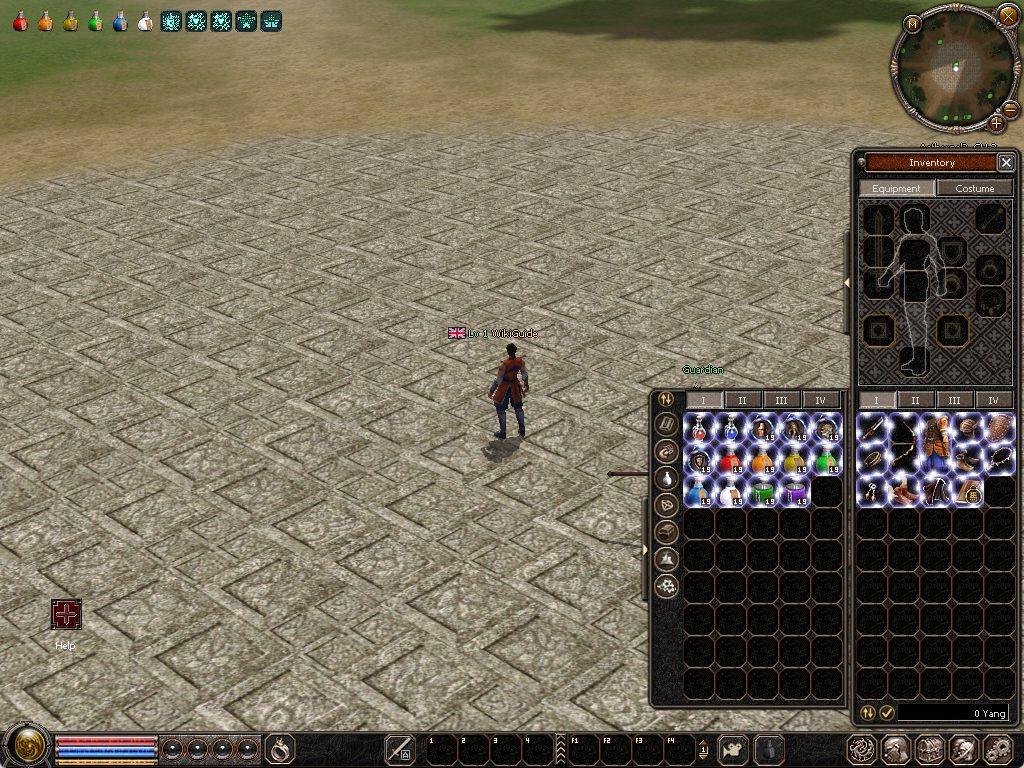
Sort
The round sort button on the left of the money bar tidies up in one click: items that belong in a K bag move there, stacks are merged and the inventory is sorted. In the K inventory the round Sort button sorts and merges the open bag.
Select, sell and destroy
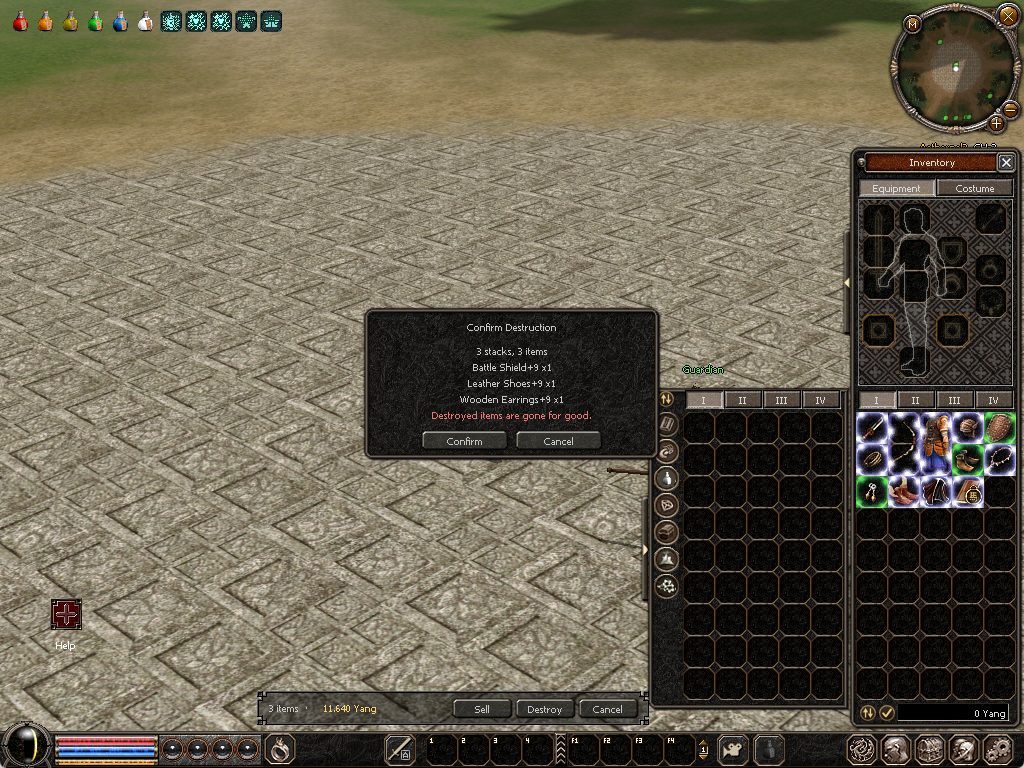
The round Select button next to it starts the selection: click items to pick them, or use Select all for the page. Weapons, armour, costumes, quest items, Fast Equip items and protected items are never picked by Select all.
- Sell (with an NPC shop open) and Destroy show what will happen first: names, quantities and Yang. Nothing happens until you confirm.
- Protect marks items so Select all never picks them; Unprotect removes the mark.
Dropping an item
When you drop an item on the ground the game asks: drop it, destroy it, or cancel, with the quantity to drop.